eero is easy at home. A business needs a bit more.
Plenty of small offices, shops and studios around Pittsburgh run on eero mesh Wi-Fi, often because the internet provider supplied it or someone picked it up off the shelf. It's good gear, but out of the box it's set up for a house. CTS is a certified eero Pro Installer. We install, configure and remotely manage eero for small businesses, set up eero for Business and eero Plus, and tell you honestly when you've outgrown it.
Getting a business-grade result from eero
Placement, setup, management and subscriptions, handled for you.
Installation
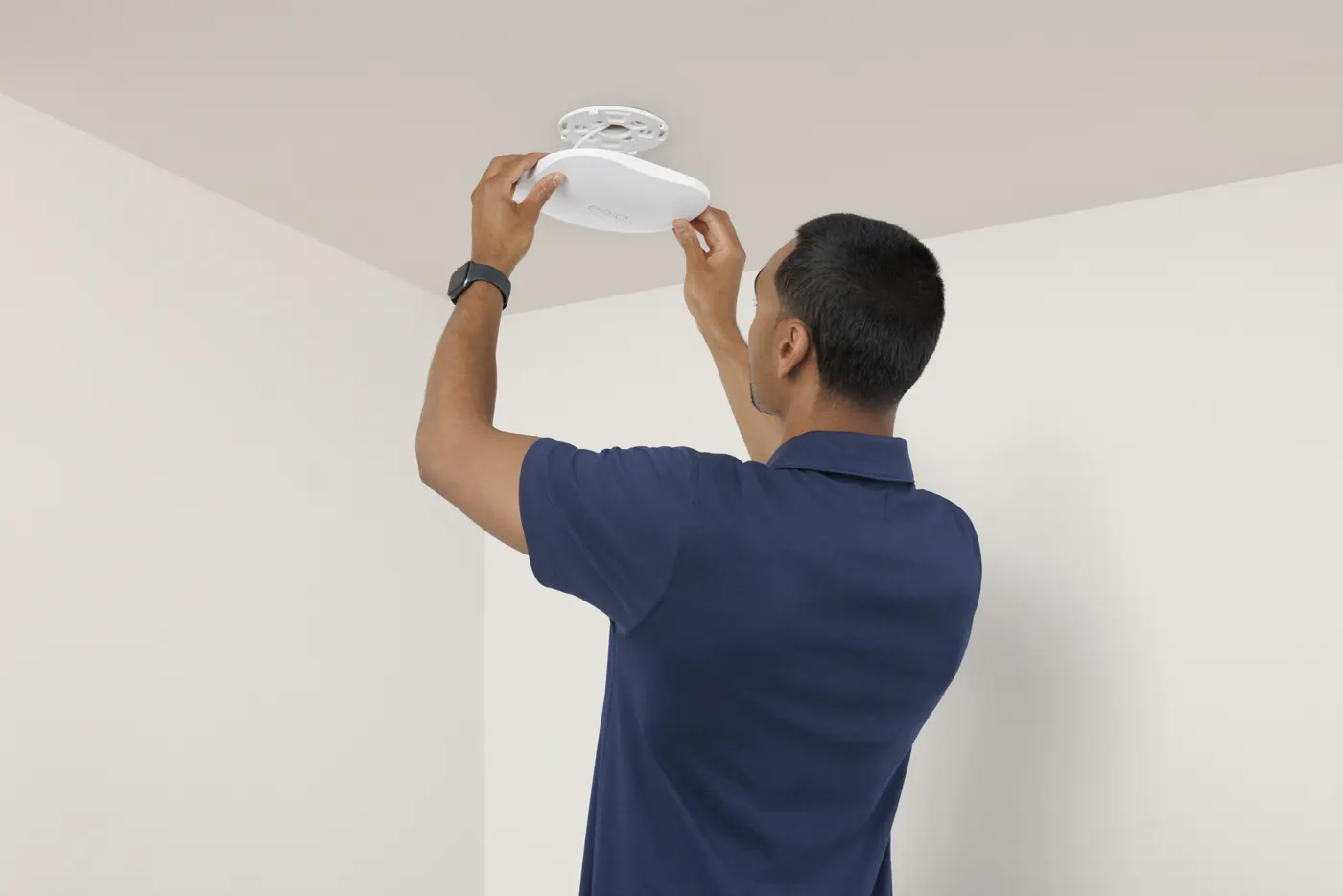
Mesh Wi-Fi is only as good as where the units sit. We place them for your floor plan and wire them together over Ethernet wherever we can, which is the biggest single speed fix.
- Gateway and node placement for your space
- Wired backhaul between units
- PoE models where outlets are scarce
- Speed checked in every room
Configuration
We separate the guest network from staff, give printers, cameras and card readers fixed addresses, and set up the filters and profiles a business needs.
- Guest network kept apart from staff
- Fixed addresses for printers, cameras and POS
- Port forwarding only where needed
- Content filtering and device profiles
Remote Management
We're added as an admin on your eero account, so changes and troubleshooting happen remotely while you keep ownership. When something drops, there's one number to call.
- Admin access added, ownership stays yours
- Remote changes and troubleshooting
- Firmware and outages watched for you
- One number to call when it drops
Subscriptions
eero Plus and eero for Business add security filtering, ad blocking and business features. We set them up, keep the billing on your account, and tell you which you need.
- eero Plus setup
- eero for Business setup
- Billing kept in your name
- Reviewed when your needs change
Three eero problems we fix
Fast at the front, slow at the back
The units are too far apart, so the back ones relay a weak signal. Moving them, adding one, or wiring them together over Ethernet usually brings the far end back to full speed.
The card reader keeps dropping off
Printers, card readers and cameras lose their connection when their address keeps changing. We give each one a fixed address so they stay put.
Customers are on the staff Wi-Fi
When everyone shares one password, every visitor is on the same network as your computers. We turn on a separate guest network and change the staff password, so only staff get in.
What owners ask us first
Is eero OK for a business?
For a small office or shop with a handful of staff, often yes. You've outgrown it when you need to wall off cameras or a POS system, cover more than one building, or keep detailed logs. That's when we'd suggest UniFi or Cisco Meraki.
Our internet provider gave us the eero. Can you manage it?
Usually, but check first: some provider-supplied eero systems are managed by the provider, which limits what anyone else can change. We look at how yours is set up before we promise anything.
Do we need eero Plus or eero for Business?
Not always. They add security filtering, ad blocking and business features, and we'll tell you whether those are worth it for your setup before you pay for them.
Get the Wi-Fi in the back room working as well as the front.
Book a 30-minute call and tell us what you're running. We serve Pittsburgh and the surrounding region on site, and manage networks remotely. eero support is part of our managed IT services. We also support Ubiquiti UniFi and Cisco Meraki.
eero is a trademark of eero LLC, an Amazon company. Caruso Tech Services is an independent IT provider and a certified eero Pro Installer, and is not otherwise affiliated with or endorsed by eero or Amazon.